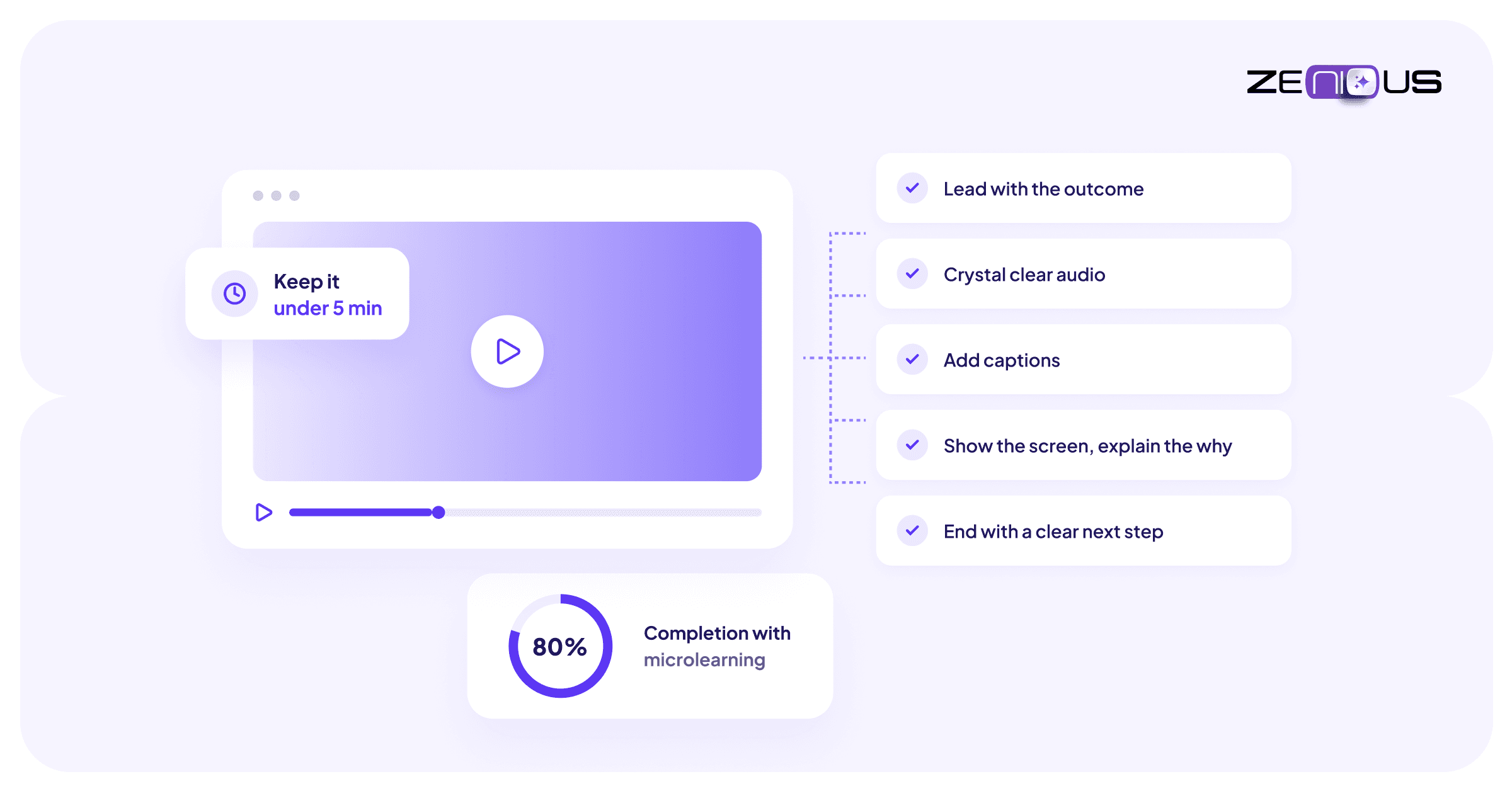
The timeline has been the center of video editing for several years. For a large and growing share of the video people actually make today, it is the wrong tool, and it is quietly costing creators the one resource they cannot buy back.

NIbu Thomas
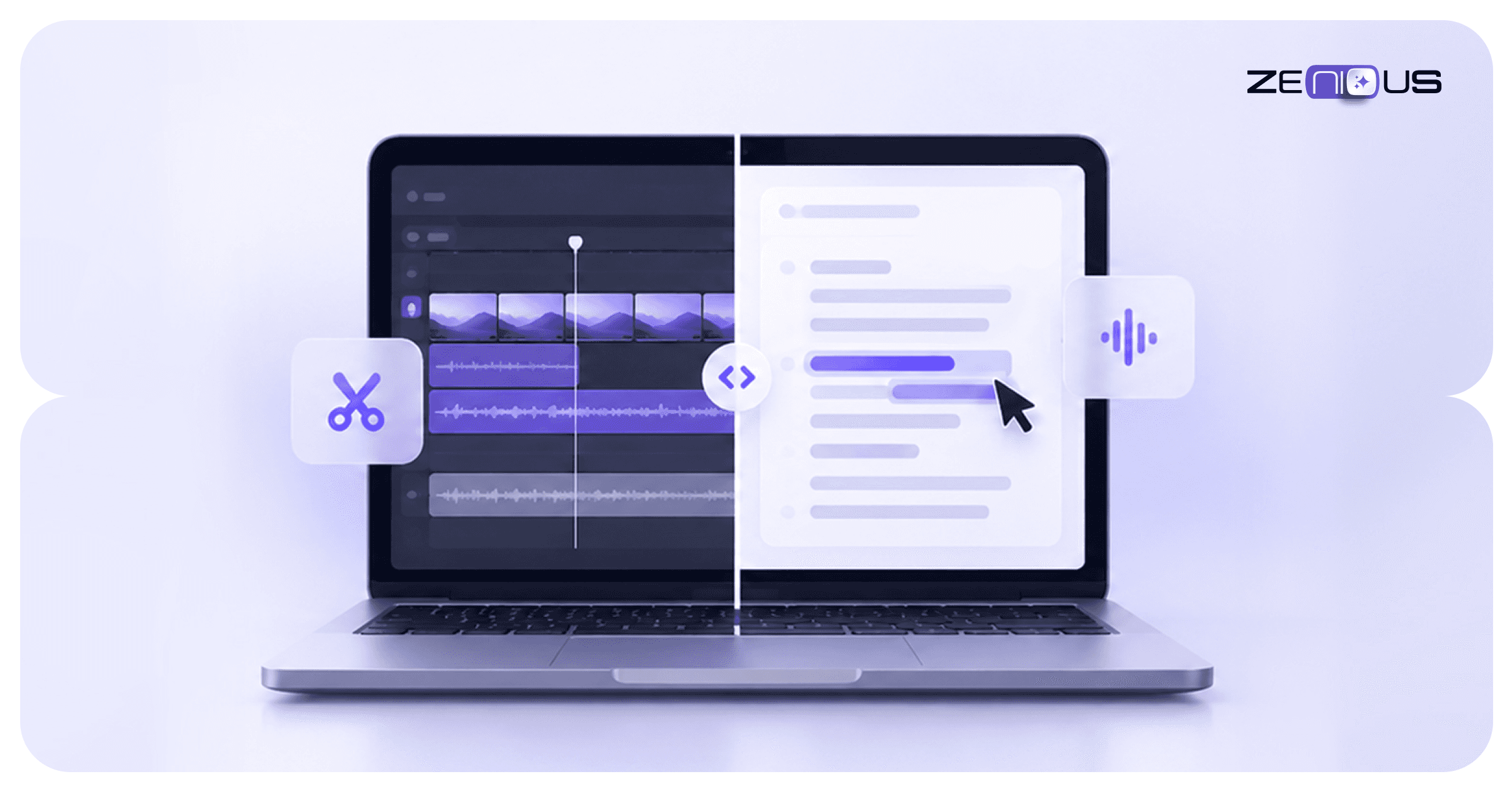
Here is a claim that will annoy a lot of experienced editors: the timeline is obsolete for most of the video being made today. Not for feature films or music videos. But for the tutorials, product walkthroughs, talking-head explainers, podcasts, and training content that make up the overwhelming majority of video that is now being created, the timeline is a professional-grade obstacle standing between a creator and a finished video.
The timeline was designed for a specific problem: assembling many short clips, frame by frame, into a crafted sequence. That is genuinely what filmmaking requires. But most video today is not filmmaking! It is someone talking, or someone showing their screen, recorded in one or a few takes, that needs the mistakes removed and the pace tightened. Using a timeline for that job is like using a film cutting bench to edit a blog post.
The numbers make the cost concrete. Standard tutorial content takes 30 minutes to a full hour of editing for every single finished minute of video (Tasty Edits, 2025; Beverly Boy, 2026). A ten-minute tutorial can consume 8 to 15 hours of a non-specialist's time once you count logging, cutting, fixing, and re-rendering (DEV Community, 2025). Publish weekly and that is close to a full-time job spent scrubbing a waveform.
"Summing even the low end of these estimates, a single 10-minute video can easily consume 8 to 15 hours of a non-specialist's time. If you plan to publish weekly, that's 32 to 60 hours per month, nearly a full-time job." - DEV Community, The Hidden Costs of Video Editing, 2025
The alternative is not a better timeline. Instead, it is no timeline at all.
What Is Text-Based Video Editing, and How Does It Work?
Text-based video editing lets you edit a video by editing its transcript, the way you would edit a document. The software automatically transcribes your recording, aligns every word to its exact timecode, and links the two, so deleting a sentence from the transcript deletes that moment from the video, and rearranging paragraphs rearranges the footage.
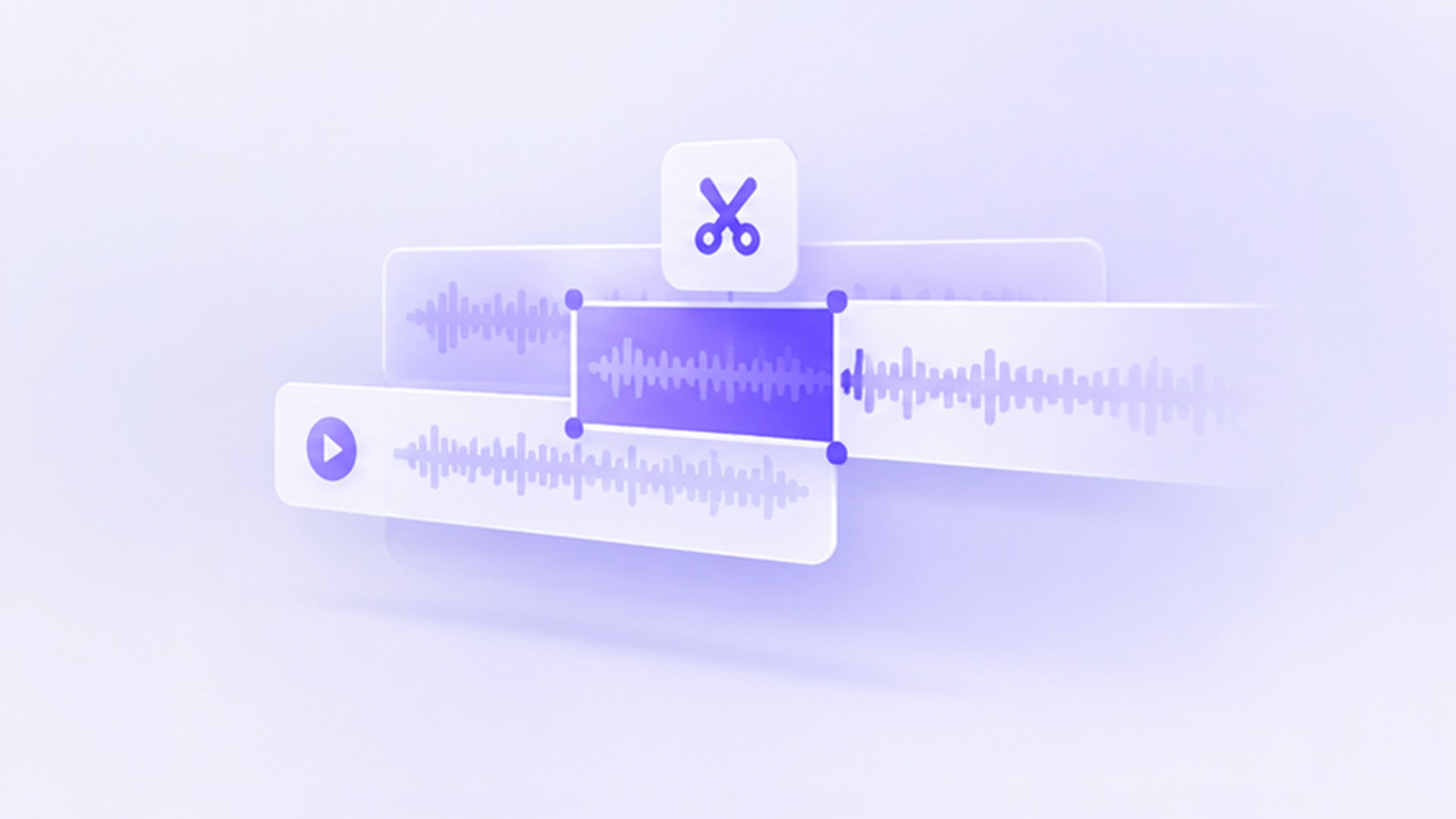
The mechanism is simple, and that’s exactly the point. When you import a recording, speech recognition generates a word-for-word transcript with each word mapped to a timestamp. From there, the transcript is the editing surface. Highlight a rambling section and delete it, and the corresponding video and audio disappear with it. Click any word and jump straight to that frame. Search for a phrase to find the moment you need, instead of scrubbing back and forth hoping to land on it.
Tools including Descript and Adobe's transcript-based editor have made this mainstream. As Adobe describes it, instead of manually scrubbing through timelines or audio waveforms, you edit your video by directly interacting with the transcript, which makes the process faster (Adobe, 2025). Descript's users have pushed it to a 4.6-out-of-5 rating on G2 on the strength of exactly this shift.
The filler-word example is the one that converts skeptics. In a timeline, removing every um and uh from a ten-minute recording means finding each one by ear, zooming in, and making dozens of frame-accurate cuts. In a text-based editor, it is a single click that removes all of them at once across the entire recording. That one feature alone can reclaim the better part of an hour on a typical screen recorded video.
Timeline vs Text: The Same Edits, Two Different Days
The clearest way to see why this matters is to compare the actual editing tasks a creator performs on a typical video. The tasks are identical. The effort is not.
Editing task | Timeline workflow | Text-based workflow |
|---|---|---|
Removing a fumbled sentence | Scrub the waveform, find the in and out points by ear, set cuts, close the gap, check the ripple did not break sync | Highlight the sentence in the transcript, press delete. The video and audio cut with it |
Cutting filler words (um, uh, so) | Locate each one manually across the whole timeline, zoom in, make frame-accurate cuts, repeat dozens of times | One click removes every detected filler word across the entire recording at once |
Rearranging sections | Select clips, lift them, drag to the new position, re-close gaps, verify transitions still work | Cut and paste paragraphs in the transcript, the way you would reorder a document |
Finding a specific moment | Scrub back and forth along the timeline, watching for the frame you half-remember | Search the transcript for the word, click it, jump straight to that timecode |
Fixing a misspoken line | Re-record the segment, match the levels, splice it in, hope the cut is invisible | Retype the words; AI voice tools regenerate the audio to match on supported platforms |
Skill required to start | Weeks to months to learn a professional editor's tracks, keyframes, and effects | If you can edit a document, you can edit the video on day one |
Workflow comparison based on Descript (2025), Adobe Firefly text-based editing documentation (2025), and Tella (2024).
Look down the right-hand column and notice what every entry has in common: the creator is working with language, not with frames. And that is the whole argument. The mental model shifts from where does this clip start and end to what do I want this video to say. The second question is the one creators actually have in their heads. The timeline forces them to translate it into the first.
The objection every editor raises, and why it misses the point
Experienced editors have a ready response to all of this, and it is worth taking seriously: text-based editing cannot do what a timeline does. You cannot keyframe a motion graphic by editing a transcript. You cannot color grade a paragraph. You cannot do frame-accurate sound design in a document. All true.
But this objection assumes the goal is to replace the timeline for the work the timeline is good at. It is not. The argument is that most video does not need that work in the first place. A product walkthrough does not need color grading. A customer onboarding video does not need keyframed motion graphics. A podcast episode does not need frame-accurate sound design. Applying a filmmaker's toolset to a simple screen recording tutorial is not craftsmanship, it’s just more overhead.

Even when you add effects, it’s significantly easier to be done using the transcript. Where do you want the effect to start usually starts with something being said in the video. And how long should it last? Just for the words being said. Hunting down all of this in the timeline takes a lot more time.
That said, the timeline will not die for the people who genuinely need it. Colorists, motion designers, narrative editors, and VFX artists will use tracks and keyframes for as long as those crafts exist. What is dying is the assumption that everyone else has to learn those tools to remove a mistake from a recording. The steep learning curve of Premiere or Final Cut is a real barrier for the non-specialist who simply wants to publish a clear video (GliaCloud, 2025), and for most video, that barrier now has no reason to exist.
Then there is the argument that says, we’ve always done it that way. And this is how we are used to doing it. To this, there is just one simple argument. Understand and grasp stuff that makes your life easier. It doesn’t make sense to continue on a bullock cart when you are in the age of fast cars.
The right way to think about it is horses for courses. The timeline is a specialist instrument for crafted, multi-clip visual storytelling. Text-based editing is the general-purpose tool for the enormous and growing category of video that is fundamentally someone communicating something. Most creators have been using the specialist instrument for the general-purpose job, because until recently it was the only instrument available.
Why Is this accelerating now
Three forces are pushing text-based editing from a niche convenience to the default workflow for most creators.
Speech recognition crossed the accuracy threshold. Text-based editing only works if the transcript is accurate, and transcription is now good enough that the transcript is reliable enough to edit against directly. The feature that makes the whole model work has quietly become dependable.
The volume of talking-head and screen-based video exploded. Tutorials, walkthroughs, async updates, and training content are now the dominant forms of video inside most organizations. This is precisely the content text-based editing handles best, and precisely the content the timeline handles most wastefully.
The creator economy runs on velocity. A creator or team publishing weekly cannot spend 30 to 60 hours a month in a timeline. The math does not work. The tools that win are the ones that collapse the distance between recording and publishing, and text-based editing collapses it further than any timeline optimization ever could.
Where this leads for screen and Documentation video
Text-based editing solves the editing half of the problem: turning a raw recording into a clean one without a timeline. For creators making screen recordings, product walkthroughs, and documentation video, there is a second half that text-based editing alone does not address.
A finished screen recording is rarely just a trimmed video. It often needs a written guide alongside it so viewers can scan instead of watch, captions so it works without sound, and translations so it reaches audiences in other languages. In a traditional workflow, each of those is a separate task on top of the edit, which reintroduces exactly the overhead that text-based editing removed from the cutting itself.
This is the direction Zenious takes the same underlying idea. Instead of editing a transcript to produce a cleaner video, a raw screen recording becomes a polished video, an auto-generated written guide, and translations in over 100 languages at once, without a timeline and without the follow-on production tasks. It applies the logic behind the death of the timeline, that most video creators should be working with meaning rather than frames, to the entire documentation workflow rather than the edit alone.
The timeline is not disappearing from cinema, and it should not. But for the creator who just wants to publish a clear, professional video without losing a weekend to a waveform, the future is already here, and it looks a lot more like a document than a track.
Sources
Descript. (2025). Text-Based Video Editing and Best Text-to-Video Software. descript.com/blog/article/best-text-to-video-software
Adobe. (2025). Text-Based Editing: Work With the Transcript. helpx.adobe.com/firefly/web/firefly-video-editor/work-with-transcript/text-based-editing.html
Tella. (2024). Descript Video Editing: How Does It Work. tella.com/blog/descript-video-editing-how-does-it-work
Tasty Edits. (2025). How Long Does It Take to Edit a Video? tastyedits.com
Beverly Boy Productions. (2026). How Long Does Video Editing Take? beverlyboy.com/post-production/how-long-does-video-editing-take
DEV Community. (2025). The Hidden Costs of Video Editing: Time vs Outsourcing. dev.to/checkcalc/the-hidden-costs-of-video-editing-time-vs-outsourcing-math
GliaCloud. (2025). The Learning Curve of Video Editing Skill. gliacloud.com/en/blog/learning-curve-video-editing-skill
NC State Extension IT. (2025). Cut Your Editing Time in Half with Descript. eit.ces.ncsu.edu/news/coming-soon-descript-trainings
Zenious. (2025). Zenious Product Documentation. Zenious.ai